
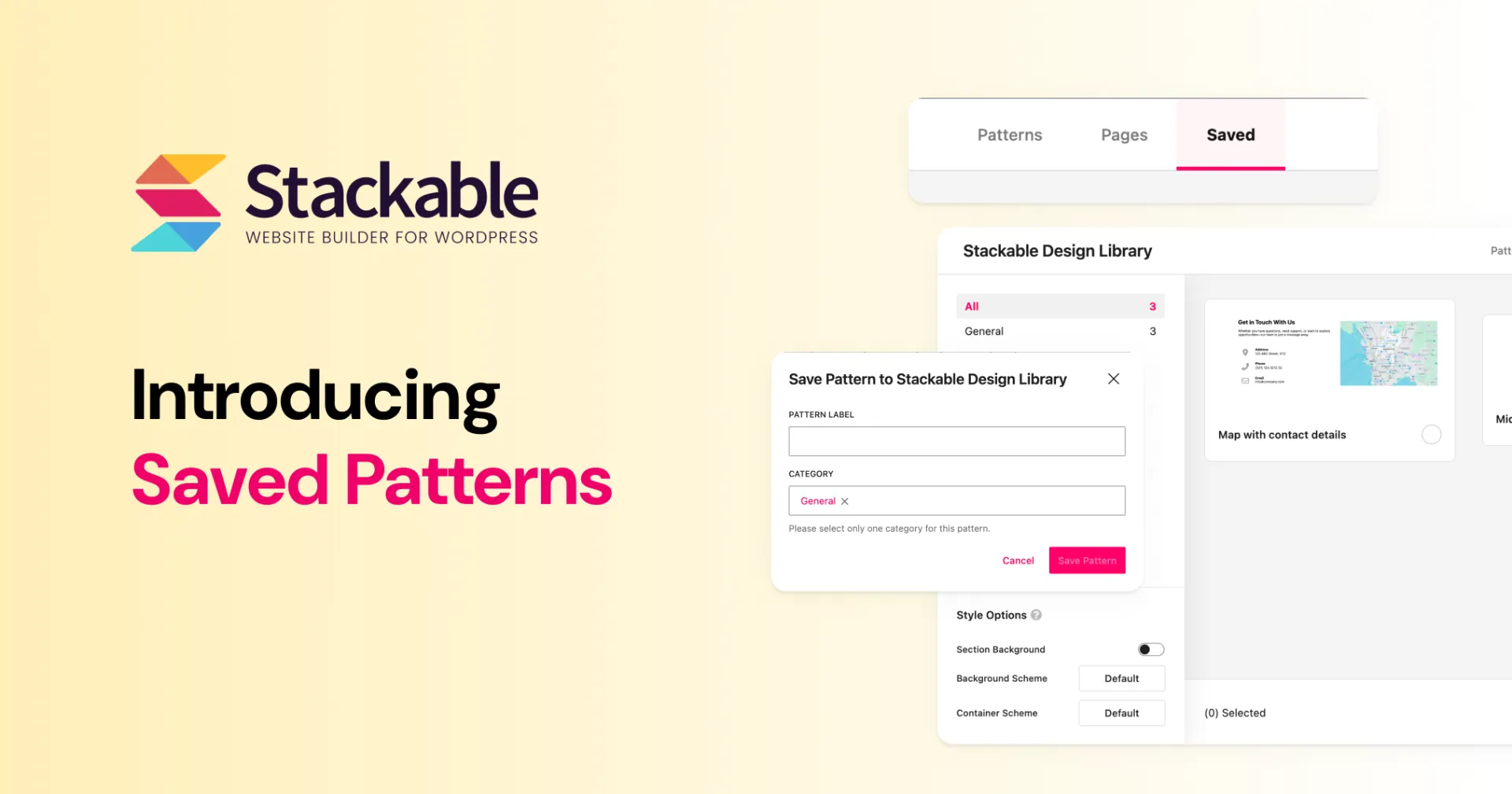
Stackable v3.20.0 closes a gap a lot of you have asked for: saving your own section layouts into the Design Library, and making that library feel snappier while you’re browsing. This continues the Design Library chapter we started in v3.17 and expanded with Full Page Templates in v3.19.
Here’s what’s new:
- Saved Patterns — save Stackable Columns layouts and reuse them from a new Saved tab (Premium)
- A faster Design Library — smoother previews and browsing for everyone
Saved Patterns (Premium)
If you’ve ever rebuilt the same hero, pricing row, or CTA section across different parts of your website, then you’ll find our new Saved Patterns feature really helpful.
With Saved Patterns, you can take a Stackable Columns layout you’ve already designed and save it into your Design Library. Next time you need it, all you need to do is to open your Design Library and pick it, no more rebuilding from scratch.
How to save a pattern
- Select a Stackable Columns block in the editor.
- Open the block ••• (More) menu.
- Choose Save to Design Library.
- Give it a name (and optionally a category / description), then save.
You’ll get a notice pointing you to the Design Library. Open the library and switch to the new Saved tab, your pattern is there, ready to insert.
One of the best reasons to save your designs into the Design Library (aside from making them reusable) is that the Styling Options found on the lower left of the Design Library now apply on them. You can change toggle the Section Background and change the Background or Container Schemes during selection!
You can also export / import saved patterns from Stackable Settings → Import/Export → Design Library. handy when you’re moving a kit between sites or sharing a library with a teammate.
A Faster Design Library
We also spent time making the Design Library itself feel better day to day, even if you’re only browsing the cloud patterns and pages.
Previews load more lazily, list browsing is smoother, and selecting designs should feel less sticky. If you’ve ever waited on a blank or sluggish library window, this update should help.
Yoast SEO Highlights
This has been a long standing support ticket of ours and I’m happy to say that Stackable text blocks now support the Yaosts SEO’s readbility analysis text highlighting.
I believe we are the first third-party block to support this!
Other Improvements
A few more user-facing bits in v3.20.0:
- Block Defaults (Stackable Settings → Editor Settings → Block Defaults): optional defaults for Heading theme margins (posts vs non-posts), and a default icon for new Icon List blocks. Both are off / unset by default, so your existing blocks are unchanged.
- Dynamic Content uses less PHP memory on the server.
- Safari responsive preview no longer freezes.
- Design Library handles fetch errors more gracefully (no blank modal).
Full list is in the changelog.
Conclusion
Saved Patterns are the piece I wanted in the Design Library for a long time, your own sections, sitting next to ours, ready to drop into the next page or the next client site.
Update to Stackable v3.20.0, save a Columns layout you’ve already polished, and tell me how the Saved tab fits your workflow. If something’s missing or awkward, I want to hear it.
